Agentic AI vs. AI Chatbots: What's Actually Different


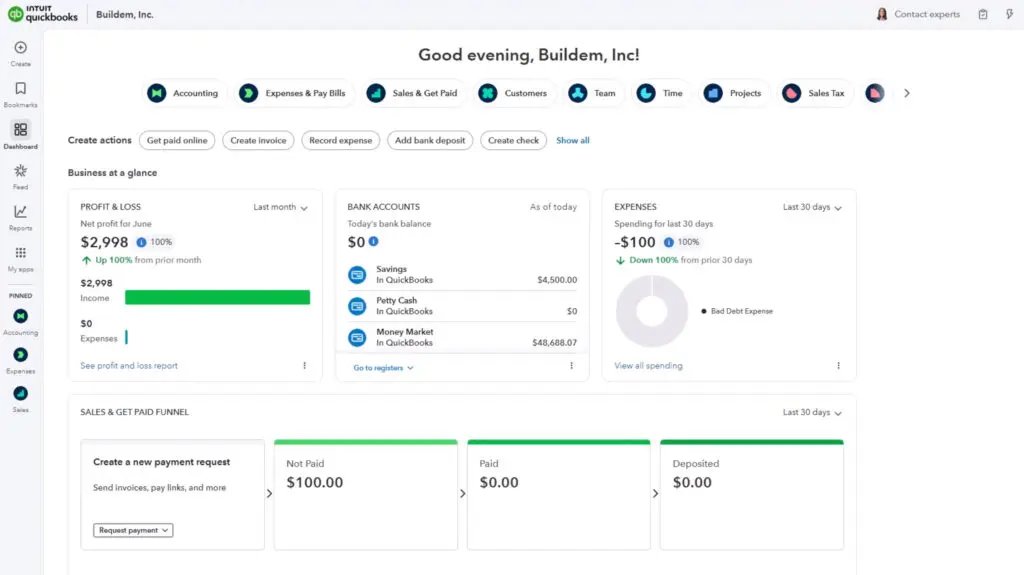
Agentic AI describes artificial intelligence built to complete multi-step tasks on its own, not just answer questions. A chatbot like Claude or ChatGPT generates a response and stops; an agent plans a task, takes action inside a live system, and reports back. Intuit has built this into QuickBooks Online through tools like Accounting AI and Payroll AI, part of what Intuit now brands Intuit AI, with the chat and assistant layer on top called Intuit Intelligence (formerly Intuit Assist).
The term "agentic AI" has spread quickly through software marketing, and QuickBooks Online now surfaces agentic features directly in the product, which raises a fair question: is this the same technology as typing into ChatGPT, or something else? It's similar, but not the same. A chatbot responds and then waits for you to act. Tools like Claude Code or a coding assistant may look like a chat window but aren't chatbots by this definition. They read files, run commands, and make changes on their own, which is exactly what makes them agentic. An agent is designed to act: it reads live data, follows rules for the task it's assigned, and carries steps out end-to-end, ideally with checkpoints for anything high-stakes. This article explores the definition of agentic AI, compares it to chatbots, and names the specific agents Intuit has built as of September 2026.
What Makes AI "Agentic"
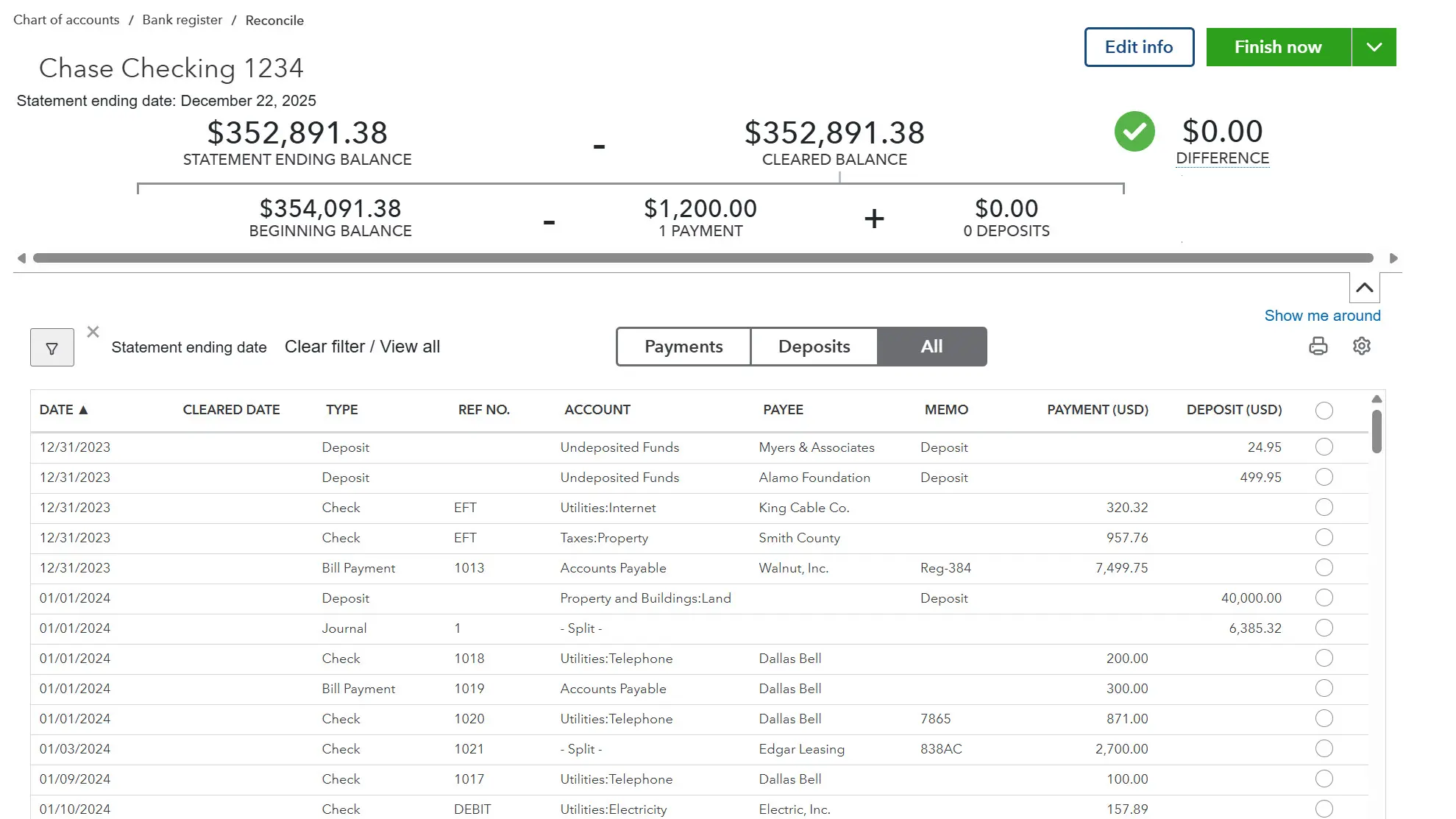
Think about what you actually do when you reconcile an account. You don't just answer a single question. You check a balance, find what's missing, fix it, and check again until it matches. That's a task, a process, not a single response. Agentic AI is built to carry out a task like that on its own: it makes decisions, plans a sequence of steps, and adjusts as the task unfolds, with supervision along the way.
If you try to reconcile with a chatbot, you'd have to keep uploading new information, ask questions, give context, and build prompts. You would type into Claude, ChatGPT, or Gemini, it would respond, and stop. It waits on you for the next move, the next prompt. An agent doesn't have to wait. It can complete the task it was built for: reconciling the account, running payroll, resolving a ticket, checking its own progress as it goes.
Agentic AI vs. a Chatbot
The distinction comes down to what happens after the AI responds. A checkpoint from an AI agent may seem the same as the prompts and responses you enter with a chatbot, but the difference is what's behind it: the agent has already read the data, done the work, and reached a decision, and is asking you to approve that one action rather than asking you what to do next.
| Chatbot | Agentic AI |
|---|---|
| Answers questions | Completes tasks end-to-end |
Why use a chatbot at all, if agents exist? Asking for the standard mileage rate, a definition, or a draft email gets an answer in one exchange. There's no live data to connect, no task to supervise. An agent is built for something with steps, like reconciling an account or running payroll. Using a chatbot to reconcile an account just puts the manual work back on you.
| Chatbot | Agentic AI |
|---|---|
| Generates text | Executes actions in live systems |
If a chatbot can already read my QuickBooks data, why use a built-in agent? Connecting your books to a chatbot lets it see and discuss your data, but you're still driving. You ask questions about specific transactions, read the answer, and decide what's next, one exchange at a time. Accounting AI, built into QuickBooks Online, doesn't wait for the next prompt: it works through open transactions on its own, flags the ones that need a decision, and logs what it did. A connected chatbot depends on you to run the loop; the agent runs the loop and reports back.
| Chatbot | Agentic AI |
|---|---|
| One step | Multi-step planning and execution |
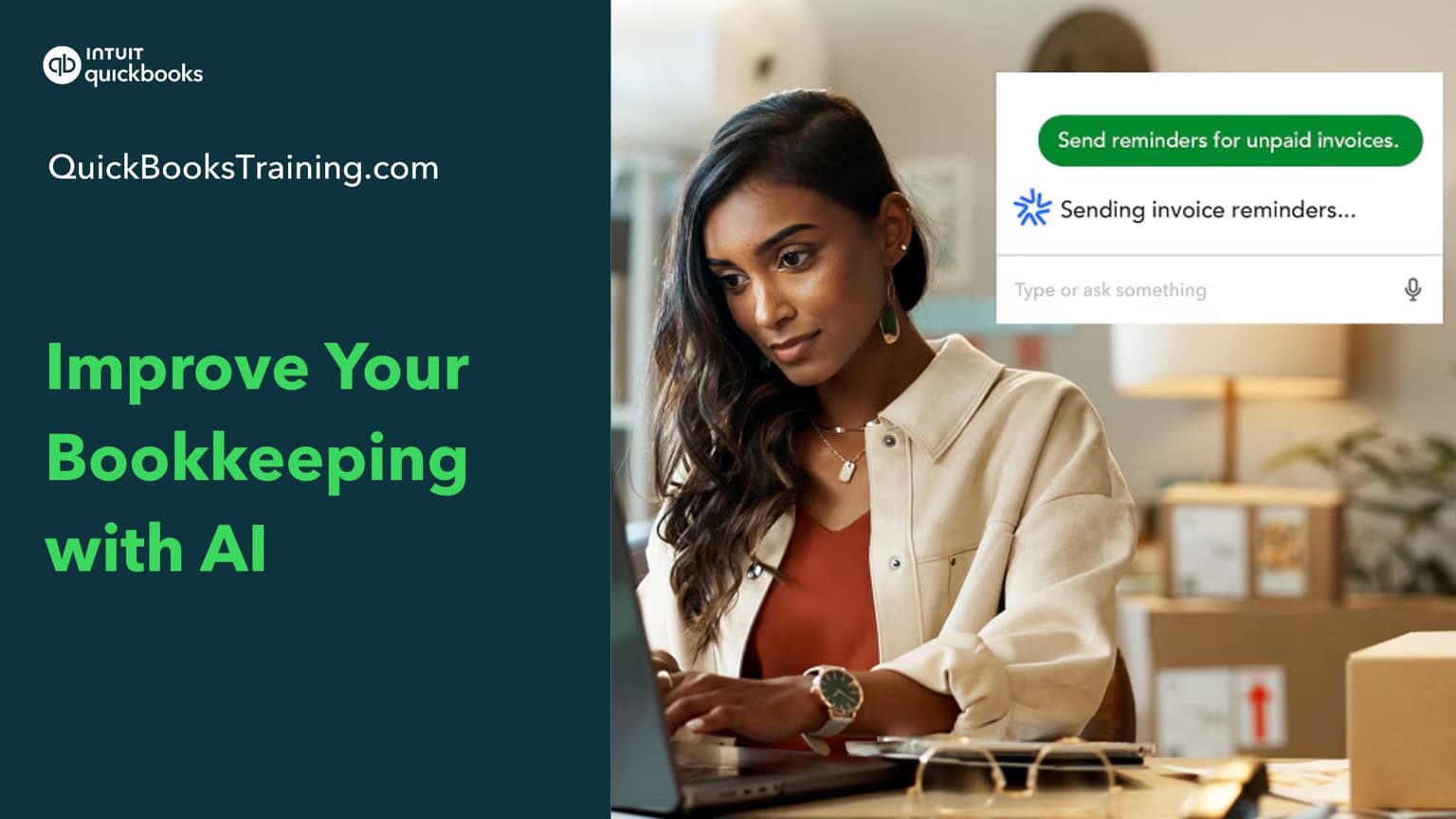
How can I tell if I'm talking to a chatbot or an AI Agent? Look at what the message reports, not what it looks like. Both types of AI run on a similar underlying language model, so an agent's checkpoint can appear indistinguishable from a chatbot reply in a chat window. However, a chatbot's message is just text. An agent's message, something like, "Reconciled 41 of 43 transactions, 2 need your review," reports on work the agent already did in the system. The interface likely looks similar; but what happens behind-the-scenes is not the same.
What's Actually Running Behind an Agent
How does an agent do all that without a person walking it through each step? Four pieces, working together:
- LLM reasoning core — for language understanding, planning, and decision-making
- Tool/API layer — reads and writes to QuickBooks, payroll systems, and CRM data
- Domain guardrails — rules specific to accounting law, tax compliance, and labor regulations
- Human-in-the-loop checkpoints — required for high-stakes actions, such as confirming before a tax filing
The Agents Built Into QuickBooks
Intuit AI falls into a category sometimes called vertical agentic AI or enterprise workflow agents. This is AI purpose-built for one business domain, with deep integration into that domain's data and tools. Intuit renamed the lineup in 2026 — every tool that was an "Agent" is now branded "AI" (Accounting Agent became Accounting AI, and so on), with two new additions alongside them. Check out the domain and primary tasks for each one below:
| Agent | Domain | What it does |
|---|---|---|
| Accounting AI | Bookkeeping | Categorizes transactions, reconciles accounts by comparing PDF statements to your books, and flags discrepancies with suggested fixes |
| Payments AI | Accounts receivable | Automates invoicing, reminders, and payment tracking to get you paid an average of 5 days faster |
| Sales Tax AI | Sales tax | Charges the correct sales tax on products and services and catches potential filing issues before you file |
| Customer AI | Sales & leads | Spots new leads sitting in a connected inbox and drafts personalized follow-ups to review and send |
| Payroll AI | Payroll (Essentials+) | Collects time and attendance from employees, spots inconsistencies, and texts your admin so payroll runs accurately and on time |
| Finance AI | Financial reporting (Advanced) | Delivers tailored financial insights, forecasting, and KPI analysis for users who want the CFO view |
| Project Management AI | Project tracking (Advanced, beta) | Auto-creates projects, allocates costs, tracks budgets, and learns from past jobs to improve profitability |
| Bill Pay AI | Accounts payable | Handles bill entry and payment scheduling so vendors get paid on time, with free ACH |
| Business Tax AI | Tax | Hunts for deductions year-round instead of just at filing time |
Each agent is intentionally narrow in its purpose. Accounting AI doesn't process payroll, and Payroll AI doesn't answer support tickets. Getting one domain right matters more than interacting with all of them. Each one is built to show its reasoning rather than act silently. Accounting AI, for example, doesn't just recategorize a transaction; it keeps an eye on your transactions, and flags transactions that might need a human review.
Human-in-the-loop checkpoints matter here. A tool that touches your books or payroll should ask for confirmation before completing any high-stakes tasks like filing a return, issuing a refund, or closing a period. In Payroll AI, for example, an hours submission that looks unusual, could be flagged for the employee to confirm rather than recorded automatically. If a tool skips that step, consider a different tool before letting it run unsupervised.
From Copilot to Agent
Intuit's agents aren't general-purpose AI. They're narrow and deep, and they're built inside QuickBooks itself, so they have the context and permissions to act on your books rather than just tell you what to do about them.
That's the shift happening across accounting software generally: from AI as a copilot that helps you do the work, to AI as an agent that does the work and reports back. QuickBooks Online now works this way for a growing list of tasks such as reconciling accounts, closing books, and running payroll, but a person still stays in the loop for anything with real financial consequence, like a tax filing.
Backed by Intuit since 1998. Every article on this blog is written by the same certified instructors who teach our live classes and self-paced courses.
The right next step
Understanding what "agentic" actually means is the first step to deciding how you want to use AI tools with QuickBooks. Our class, Getting Started with AI, walks through each of Intuit's agents and today's chat tools side by side.
Learn QuickBooks the right way
50+ self-paced courses, live classes every weekday, and certification prep.
Explore more training on AI
Courses and videos from QuickBooksTraining.com
QuickBooks Instructor
“[Intuit's Accounting AI] watches over every transaction, helping keep the books organized and error-free.”