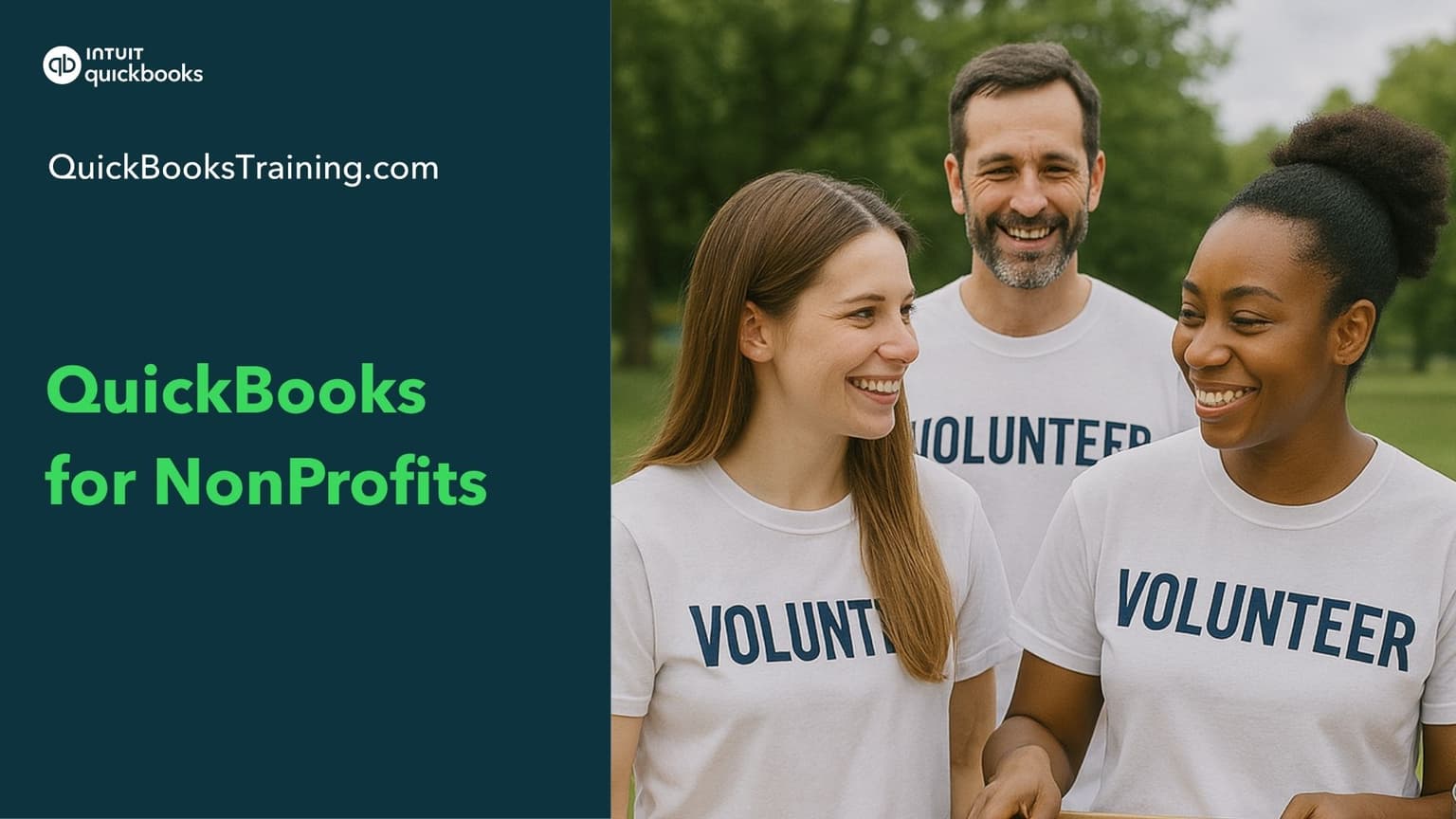
This advanced course shows you how to use QuickBooks to handle the unique accounting needs of a nonprofit organization. You'll learn to track programs and funds with classes, record donations and pledges, manage restricted grants, and handle money-out tasks like bills, checks, and expenditures. The course also covers building budgets by program and customizing reports, with hands-on "Your Turn" exercises to practice.
You’ll learn how to…
Set up QuickBooks for your nonprofit
Work with financial statements and accounts
Track programs and funds using classes
Record donations, lump sum gifts, and sales receipts
Manage pledges and pledge payments
Handle advanced donor transactions
Record money-out: bills, checks, and expenditures
Track and spend restricted grants
Build budgets by program and run budget reports
Customize, send, and schedule reports
This class is included in all of our training plans
Self-paced
All training plans include instant and lifetime access to this course.
Next live class · with Grace Eppley
Nov 2, 2026
Mon · 9:30 AM CT
This class prepares you for certification:
QBO Nonprofit Specialist
Course Content
28 lessons · 6 HANDS-ON exercises · 2 hr 53 min
Intro + Setup & Getting Around: QuickBooks for Nonprofits11:39
Financial Statements & Accounts23:33
Working with Lists10:10
Programs & Funds6:35
Classes in Action4:00
Donations1:38
Lump Sum Donations2:36
Sales Receipts5:01
Bank Deposit3:36
Pledges8:56
Payment of a Pledge8:40
Advanced Donor Transactions8:32
Money Out1:42
Enter Bill3:13
Pay Bill2:34
Expenditures3:08
Check5:12
Reports on Expenses3:11
Restricted Grants4:39
Spending Restricted Grants4:39
Reports on Restricted Grants2:19
Budgets9:06
Budget by Program4:22
Budget Reports4:23
Types of Reports5:34
Customize Reports6:53
Send & Schedule Email Reports2:53
Conclusion + Your Turns Solutions: QuickBooks for Nonprofits14:22
What learners say about this course
“Create and maintain pledges and partial pledge payments. Also, create budgets by program or organization.”
Donna D.
“Thank you very much for this Course”
Fernanda M.
“Record pledges, and a lot of new things that I learned about non profit book keeping”
Maria K.
“In one of the beginning chapters it was suggested to use the QBO test drive link to be able to practice, but it does not work. It would be helpful as hands on makes it easier to learn.”
Annie A.
Learner
Training only
1 user
$899.95
$599.95
30-day money back guarantee
Lifetime access to all included training
This course + 49 other courses
Live classes every weekday
Hands-on exercises
All future course updates
Optional Live 1-on-1 Help continues at $50/mo. Cancel anytime.
Most Popular
Certification
Training + Certification
1 user
$999.95
$699.95
$1,099.95
$799.95
30-day money back guarantee
Lifetime access to all included training
Everything in Learner
Training for all 17 certification exams
17 QuickBooks certification exams
Practice exams and test prep
Optional Live 1-on-1 Help continues at $50/mo. Cancel anytime.
Team
Team Training + Certification
2-5 users
$1,799.95
$999.95
30-day money back guarantee
Lifetime access to all included training
Everything in Certification
Up to 5 users included
Certification for your team
Team progress tracking
Optional Live 1-on-1 Help continues at $90/mo. Cancel anytime.