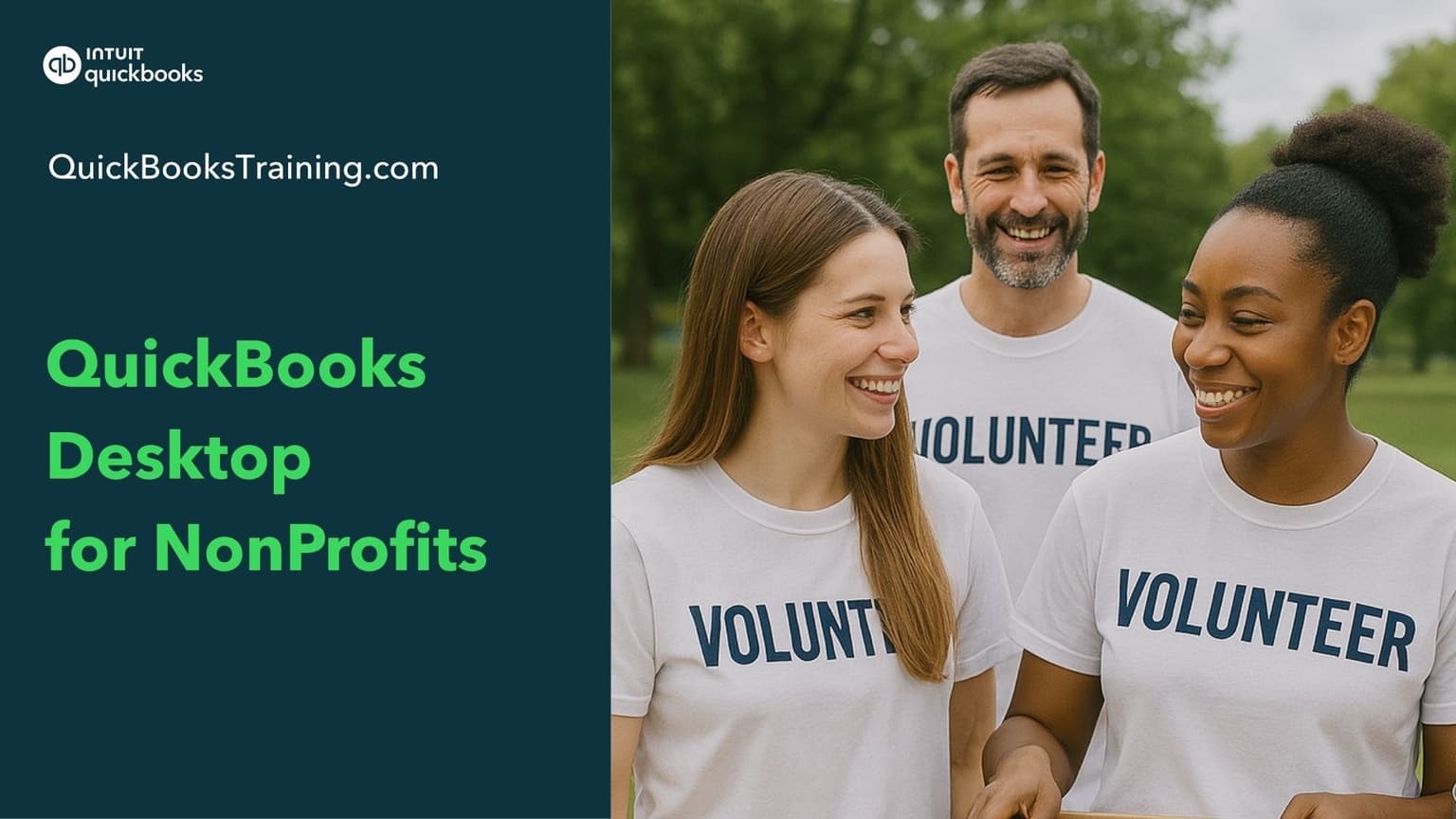
This advanced course shows you how to use QuickBooks to handle the unique accounting needs of a nonprofit organization. You'll learn to track programs and funds with classes, record donations and pledges, manage restricted grants, and handle money-out tasks like bills, checks, and expenditures. The course also covers building budgets by program and customizing reports.
You’ll learn how to…
Set up QuickBooks for your nonprofit
Work with financial statements and accounts
Track programs and funds using classes
Record donations, lump sum gifts, and sales receipts
Manage pledges and pledge payments
Handle advanced donor transactions
Record money-out: bills, checks, and expenditures
Track and spend restricted grants
Build budgets by program and run budget reports
Customize, send, and schedule reports
This class is included in all of our training plans
Self-paced
All training plans include instant and lifetime access to this course.
Course Content
344 lessons · 9 hr 26 min
Meet Your Instructor: Alanna0:50
Goals of Training2:08
Why Nonprofit Training?3:06
How Training is Organized1:19
Introduction and Nonprofit Features1:09
Nonprofit Menu0:50
Unified COA1:27
Forms/Letters0:51
Accounts1:05
Understand Accounts2:46
Balance Sheet Accounts on Audited Financial Statement1:30
Balance Sheet Accounts on 990 Form3:03
Income Accounts on 990 Form0:53
Income Accounts on Audited Financial Statement1:56
Create Income Accounts that Replicate 990 Form1:18
Recommended Charity Non - Profit Income Accounts0:58
Recommended Membership Organization Income Accounts0:42
Recommended Non - Profit House of Worship Income Accounts0:39
Recommended Private School Income Accounts0:32
Recommendations for Recording Restricted Grants1:09
Expense Accounts on 990 Form2:05
Expense Accounts on Audited Financial Statement0:43
Using Classes to Track Intent of Expenses2:37
Subaccounts1:54
Classes1:11
Classes - Add2:20
Classes/Programs - Intro1:00
Classes - Choose1:11
Classes - Basic Charity1:21
Classes - Member Organizations0:53
Classes - Theater0:43
Classes - School0:26
Classes - Churches1:05
Budgets1:07
Budgets - Enter3:12
Budgets - Review1:45
Income Overview1:36
Lump Sum Method1:13
Lump Sum Limitations2:16
Enter Income Separately0:23
Donation Summary Report0:27
Customize Payment Receipts1:54
Record Donor Income with Sales Receipt0:46
Individual Donation Report2:04
Customer/Item2:06
Add Customer/Donor2:47
Understand Items1:37
Items on Donation Form1:48
How to Setup Items2:25
Linking an Account with a Multiple Items1:53
Enter Income0:44
Receipt of Grant2:32
General Contribution2:08
Income - Membership Organizations1:04
Make Deposits0:41
Income - Lump Deposits0:52
Vendor/Employee1:06
Add Vendors2:55
QuickAdd Vendors1:27
Add Employees2:13
Bill/Check1:38
Advantages of Entering Bills2:59
Enter Bills - Regular1:49
Enter Bills - Allocated2:48
Pay Bills1:41
Entering Checks1:36
Receipt Management (QB 2021 or Later)3:53
Enter Paycheck0:42
Record Paychecks in QuickBooks (from Payroll Service)2:23
Payroll Expenses by Class - Intro1:08
Edit Paycheck to Add Expense by Class Details2:09
Recording Tax Payments - Intro0:29
Recording Tax Payments - How To2:05
What learners say about this course
“Create and maintain pledges and partial pledge payments. Also, create budgets by program or organization.”
Donna D.
“Record pledges, and a lot of new things that I learned about non profit book keeping”
Maria K.
“Thank you very much for this Course”
Fernanda M.
“In one of the beginning chapters it was suggested to use the QBO test drive link to be able to practice, but it does not work. It would be helpful as hands on makes it easier to learn.”
Annie A.
Learner
Training only
1 user
$899.95
$599.95
30-day money back guarantee
Lifetime access to all included training
This course + 49 other courses
Live classes every weekday
Hands-on exercises
All future course updates
Optional Live 1-on-1 Help continues at $50/mo. Cancel anytime.
Most Popular
Certification
Training + Certification
1 user
$999.95
$699.95
$1,099.95
$799.95
30-day money back guarantee
Lifetime access to all included training
Everything in Learner
Training for all 18 certification exams
18 QuickBooks certification exams
Practice exams and test prep
Optional Live 1-on-1 Help continues at $50/mo. Cancel anytime.
Team
Team Training + Certification
2-5 users
$1,799.95
$999.95
30-day money back guarantee
Lifetime access to all included training
Everything in Certification
Up to 5 users included
Certification for your team
Team progress tracking
Optional Live 1-on-1 Help continues at $90/mo. Cancel anytime.