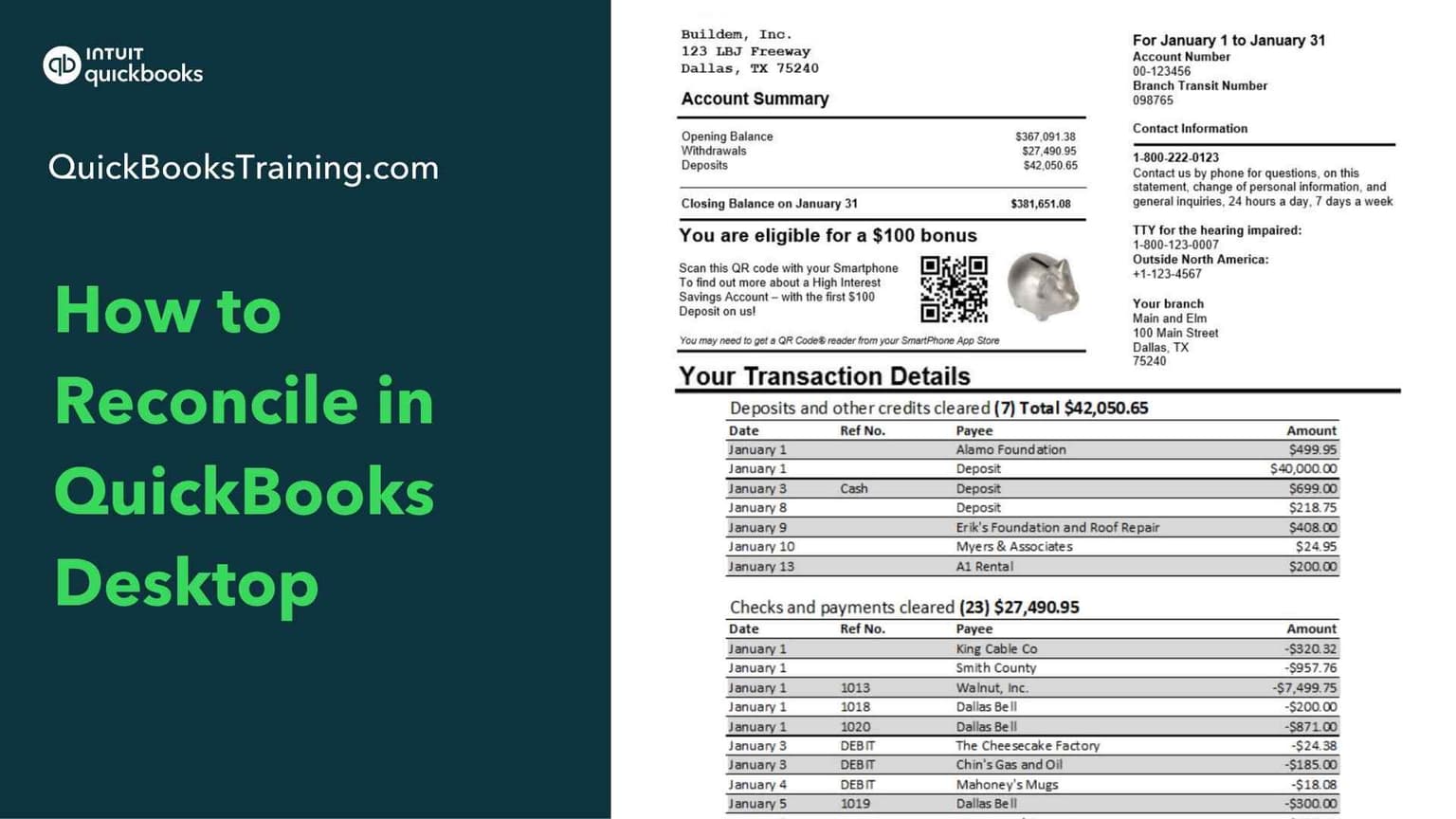
This beginner-friendly class teaches you how to reconcile your accounts in QuickBooks, so your books always match your bank and credit card statements. You'll learn to upload a bank statement, use the reconciliation window, mark transactions as cleared, and finish a reconciliation from start to finish. The course also covers resolving discrepancies, setting up credit card reconciliations, and undoing or starting over.
You’ll learn how to…
Understand what reconciliation is and why it matters
Upload a bank statement
Begin and finish a reconciliation
Use the reconciliation window
Mark transactions as cleared
Resolve reconciliation discrepancies
Set up and complete credit card reconciliations
Undo or start a reconciliation over
This class is included in all of our training plans
Self-paced
All training plans include instant and lifetime access to this course.
Course Content
10 lessons · 1 hr 35 min
Introduction to The Art of Reconciliation for Desktop5:15
What is a Reconciliation?10:12
Starting a Reconciliation10:30
Selecting Cleared Transactions13:11
What to do with Differences12:01
Fixing Duplicates6:26
Finishing a Reconciliation3:14
Fixing Beginning Balances18:06
How to Start Over11:43
Credit Card Reconciliation3:58
What learners say about this course
“Never reconciled bank account. Nice refresher for reconciling credit cards and learning how to fix errors.”
Becky K.
“Gain confidence in reconciling Desktop since it's been years and I'm more seasonsed in QBO. Thank you.”
Julie B.
“I do not do the bank feed option, so it helps to know more about not using the option.”
Danielle G.
“VERY DETAILED AND CLEAR EXPLANATION”
VARSHA M.
Learner
Training only
1 user
$899.95
$599.95
30-day money back guarantee
Lifetime access to all included training
This course + 49 other courses
Live classes every weekday
Hands-on exercises
All future course updates
Optional Live 1-on-1 Help continues at $50/mo. Cancel anytime.
Most Popular
Certification
Training + Certification
1 user
$999.95
$699.95
$1,099.95
$799.95
30-day money back guarantee
Lifetime access to all included training
Everything in Learner
Training for all 18 certification exams
18 QuickBooks certification exams
Practice exams and test prep
Optional Live 1-on-1 Help continues at $50/mo. Cancel anytime.
Team
Team Training + Certification
2-5 users
$1,799.95
$999.95
30-day money back guarantee
Lifetime access to all included training
Everything in Certification
Up to 5 users included
Certification for your team
Team progress tracking
Optional Live 1-on-1 Help continues at $90/mo. Cancel anytime.