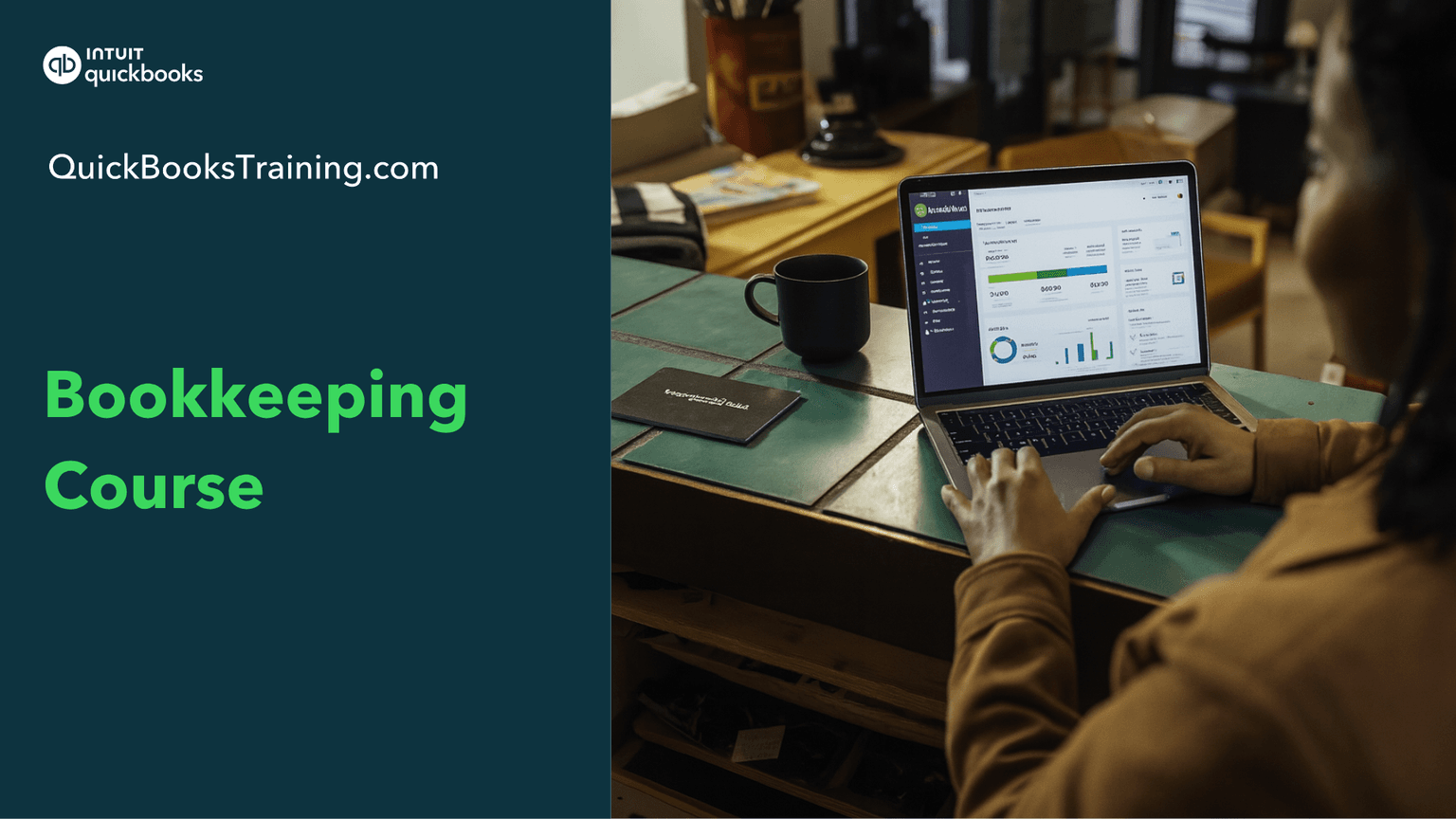
This beginner-friendly bookkeeping course builds your accounting foundation from the ground up, starting with the accounting cycle, debits and credits, and the financial statements that every business relies on. Through hands-on exercises and walkthroughs, you'll learn to record transactions, reconcile accounts, manage the chart of accounts, and handle money-in and money-out activities like accounts receivable, accounts payable, and cash flow. The course also covers more advanced topics, including adjusting entries, depreciation, payroll, inventory, and bad debt.
You’ll learn how to…
Understand what accounting really is
Master the accounting cycle
Record business transactions
Understand debits and credits
Reconcile your accounts
Read financial statements
Build your chart of accounts
Handle money-in and money-out
Record adjusting entries and depreciation
Understand payroll
Manage inventory, loans, and bad debt
This class is included in all of our training plans
Self-paced
All training plans include instant and lifetime access to this course.
Next live class · with Bonnie Marotzke
Bookkeeping Professional Part 1
Oct 23, 2026 · Fri · 9:30 AM CT
This class prepares you for certification:
Intuit Certified Bookkeeping Professional
Course Content
81 lessons · 15 HANDS-ON exercises · 4 hr 39 min
Bookkeeping Course Overview1:37
The Order of Class1:50
Learning Accounting5:05
The Accounting Cycle9:29
What is a Business?3:25
What is the Purpose of Accounting?1:35
The Economic Entity Principle2:29
Exercise 1 (prep included)1:38
Exercise 1 Walkthrough2:51
The Accounting Equation6:07
Your Business Transactions2:26
Record Assets/Liabilities/Equity11:22
Exercise 2 (prep included)1:07
Exercise 2 Walkthrough3:30
Income & Expenses2:15
Assets vs. Expenses3:46
Financial Position and Financial Performance4:40
Exercise 3 (prep included)1:12
Exercise 3 Walkthrough5:12
The Financial Statements1:25
Intro to Debits & Credits2:03
T-Accounts4:30
Exercise 4 (prep included)0:50
Exercise 4 Walkthrough3:04
Calculate the Balance of a T-Account2:02
Debits & Credits with All Accounts2:22
Exercise 5 (prep included)1:31
Exercise 5 Walkthrough2:15
Exercise 6 (prep included)3:18
Exercise 6 Walkthrough6:31
Journal Entries1:20
Transaction Journal1:28
The General Ledger2:40
Why Debits & Credits?6:30
Exercise 7 (prep included)1:45
Exercise 7 Walkthrough6:36
What is Reconciliation?1:18
How to Reconcile6:49
Complete a Reconciliation2:12
Statement Overview1:50
Comparative Profit & Loss2:30
Budget vs. Actual Report5:08
The Chart of Accounts2:22
How many accounts?5:17
Exercise 8 (prep included)0:45
Exercise 8 Walkthrough4:05
How to Name Accounts3:18
Exercise 9 (prep included)0:24
Exercise 9 Walkthrough2:43
Account Types2:41
Excerise 10 (prep included)0:42
Exercise 10 Walkthrough2:43
The Revenue Recognition Principle4:08
Exercise 11 (prep included)1:52
Exercise 11 Walkthrough5:28
Accounts Receivable1:22
Undeposited Funds?4:43
The Matching Principle2:57
Exercise 12 (prep included)0:55
Exercise 12 Walkthrough5:06
Cash vs. Accrual Basis2:54
Statement of Cash Flows6:12
What is payroll accounting?15:45
Exercise 13 (prep included)1:16
Exercise 13 Walkthrough5:25
Payroll Journal Entries3:32
Payroll Forms2:01
What learners say about this course
“I've been bookkeeping for a few years now, but did not know most of this material. I'm glad to have learned about GAAP, Debits and Credits, and how to read reports!”
Karen W.
“I was able to learn a lot of definitions and terms for words I didn't have before. Now I can navigate and understand the vernacular much more easily, and I am more able to use this in the real world.”
Abigail W.
“I am becoming much more comfortable with debits and credits and there use in bookkeeping. I also understand more about inventory. I also now understand the correct use of "bad debt"”
Annie J.
“Yes. It is very easy to follow through with the material. I really like the course work book and being able to practice along with the material as I learned each section.”
Rachel H.
Learner
Training only
1 user
$899.95
$599.95
30-day money back guarantee
Lifetime access to all included training
This course + 49 other courses
Live classes every weekday
Hands-on exercises
All future course updates
Optional Live 1-on-1 Help continues at $50/mo. Cancel anytime.
Most Popular
Certification
Training + Certification
1 user
$999.95
$699.95
$1,099.95
$799.95
30-day money back guarantee
Lifetime access to all included training
Everything in Learner
Training for all 18 certification exams
18 QuickBooks certification exams
Practice exams and test prep
Optional Live 1-on-1 Help continues at $50/mo. Cancel anytime.
Team
Team Training + Certification
2-5 users
$1,799.95
$999.95
30-day money back guarantee
Lifetime access to all included training
Everything in Certification
Up to 5 users included
Certification for your team
Team progress tracking
Optional Live 1-on-1 Help continues at $90/mo. Cancel anytime.