The year-end work a company needs depends on the business. Payroll adds forms to file. Inventory adds a physical count to organize. Invoicing and bill tracking add balances to chase. Companies with all three have more to do than companies without inventory or A/R. Add in the cleanup the year left behind, and no two closes are alike.
Closing a year in QuickBooks isn't one action, it's a process. There's no button and no specific manual journal entry you put in to finish the year. What's left for you is verification work: accounts matched to statements, differences resolved, inventory counted, depreciation recorded, forms filed, period locked. None of this is difficult on its own. What makes year end feel heavy is doing all of it at once, in the weeks when your accountant is waiting.
Before you start
Before you open the file, collect the information QuickBooks can't tell you. Things like statements from the bank, numbers from your accountant, a count off the shelf. Stopping mid-close to chase a missing statement is what turns an afternoon into a week. Most businesses will want to pull together:
- Statements. Every bank, credit card, and loan account through December 31, in period order.
- W-9s. One on file for every contractor you paid. Missing tax IDs stall a 1099 batch more than anything else.
- A physical count. If you carry inventory, you need real numbers about what's on the shelves.
- Depreciation figures. If you hold fixed assets, get these from your accountant.
With that in hand, two decisions set up the file itself before you touch a transaction:
- Confirm the filing status. Has your company filed a return, and if not, what was the last year you filed? The answer changes where you make corrections. They should always go in an open period, never on transactions in a closed period.
- Create an adjustment account. Add an equity account to track adjustments. Something like, "Prior year adjustments," so every correction lands in one reviewable place.
What QuickBooks handles without you
There is no closing journal entry. A profit and loss run for a fiscal year shows that year's net income; run it for the first day of the next year and it reads zero, because the number was always a function of the date range. The profit itself lands in retained earnings on the balance sheet, which is the sum of every prior year's net income, and it moves there automatically overnight. Ask for the last day of the year and you see net income; ask for the next day and you see it folded into retained earnings.
What the work involves
1. Reconcile every account through December 31
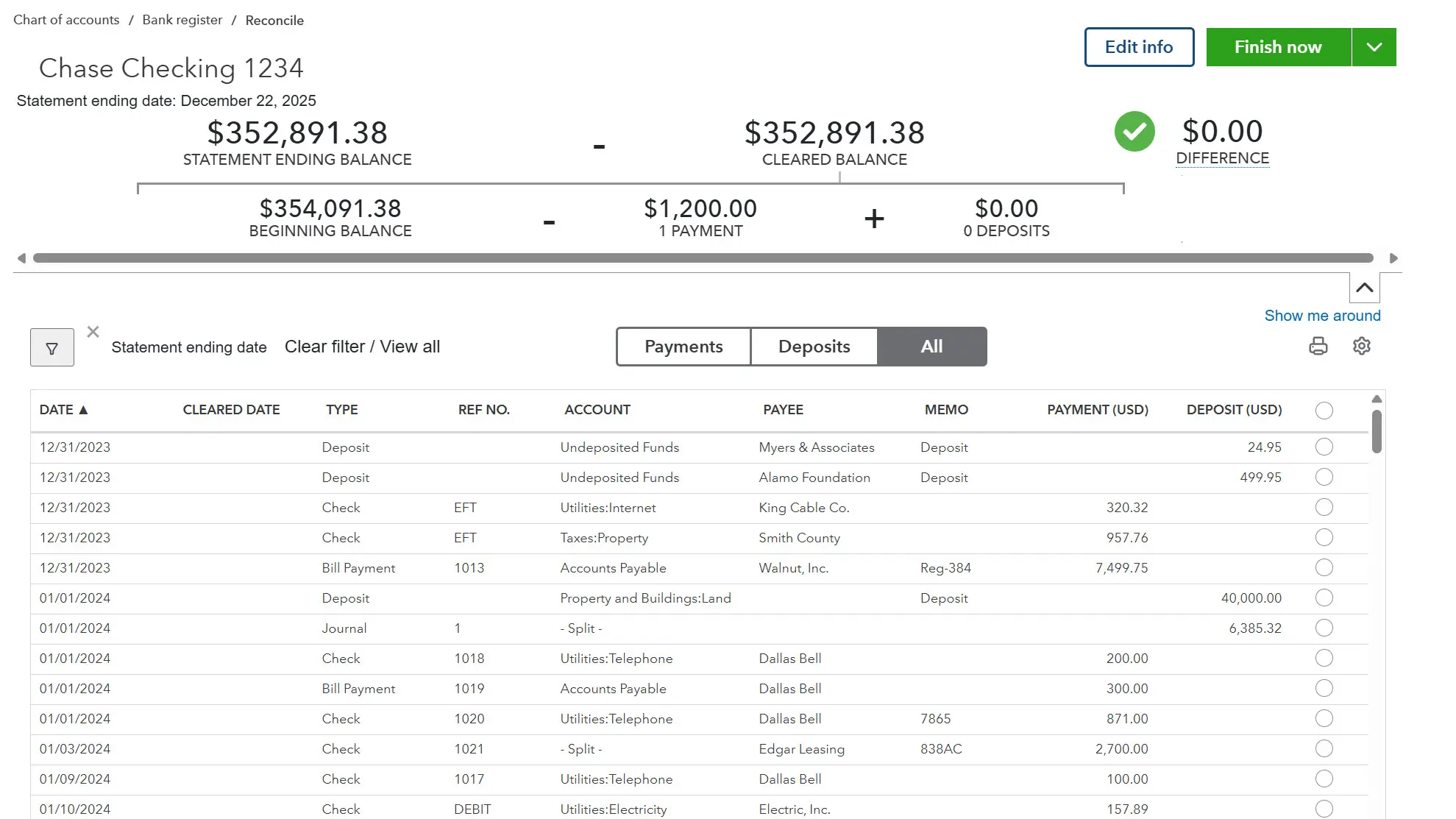
Reconciling tests the books against an outside source. Until each account agrees with the statement a bank produced, every number downstream is an assumption rather than a fact. Ideally this happens every month, and when it does, year end is a formality. Reality is usually less tidy, so treat the close as your chance to catch the books up. Work the oldest period first, because a beginning balance that is wrong stays wrong in every month after it.
2. Clear what reconciling exposes
Reconciling alone doesn't fix anything. It exposes payments that never made it into a deposit, revenue counted twice, invoices no one will ever pay, bills paid but not accounted for. Now that you know they're there, you have to approach each one and decide on a fix.
Never delete a transaction in a filed year. Editing or deleting transactions in a year the company already filed a return changes statements someone has already relied on. Correct mistakes from prior periods in an open period, post the fix to a named adjustment account. And remember to leave info in the memo that explains the adjustment!
3. Count inventory and adjust it to match
Even the most careful bookkeeper with the most diligent warehouse manager has to make inventory adjustments. QuickBooks knows the numbers you record, but the storage room knows what's actually there. A miscount at receiving, a broken item, or a missing one can cause those two numbers to drift apart throughout the year. The only way to close the gap is for someone to walk into the warehouse and count. When you post the adjustment, it's important to record why. A write-off and a charitable donation both decrease asset value and increase expenses, but one belongs in inventory shrinkage, while the other goes to charitable contributions. Which account you choose is what decides how you treat the deduction when it's time to file taxes.
4. Record depreciation on fixed assets
Depreciation is bookkeeping catching up with reality. Your delivery truck loses value whether or not anyone records it. If you want the tax advantages, it's the record that makes the loss deductible. How much and over how long is a judgment that belongs to your accountant; entering it is the easy part.
5. File W-2s and 1099s
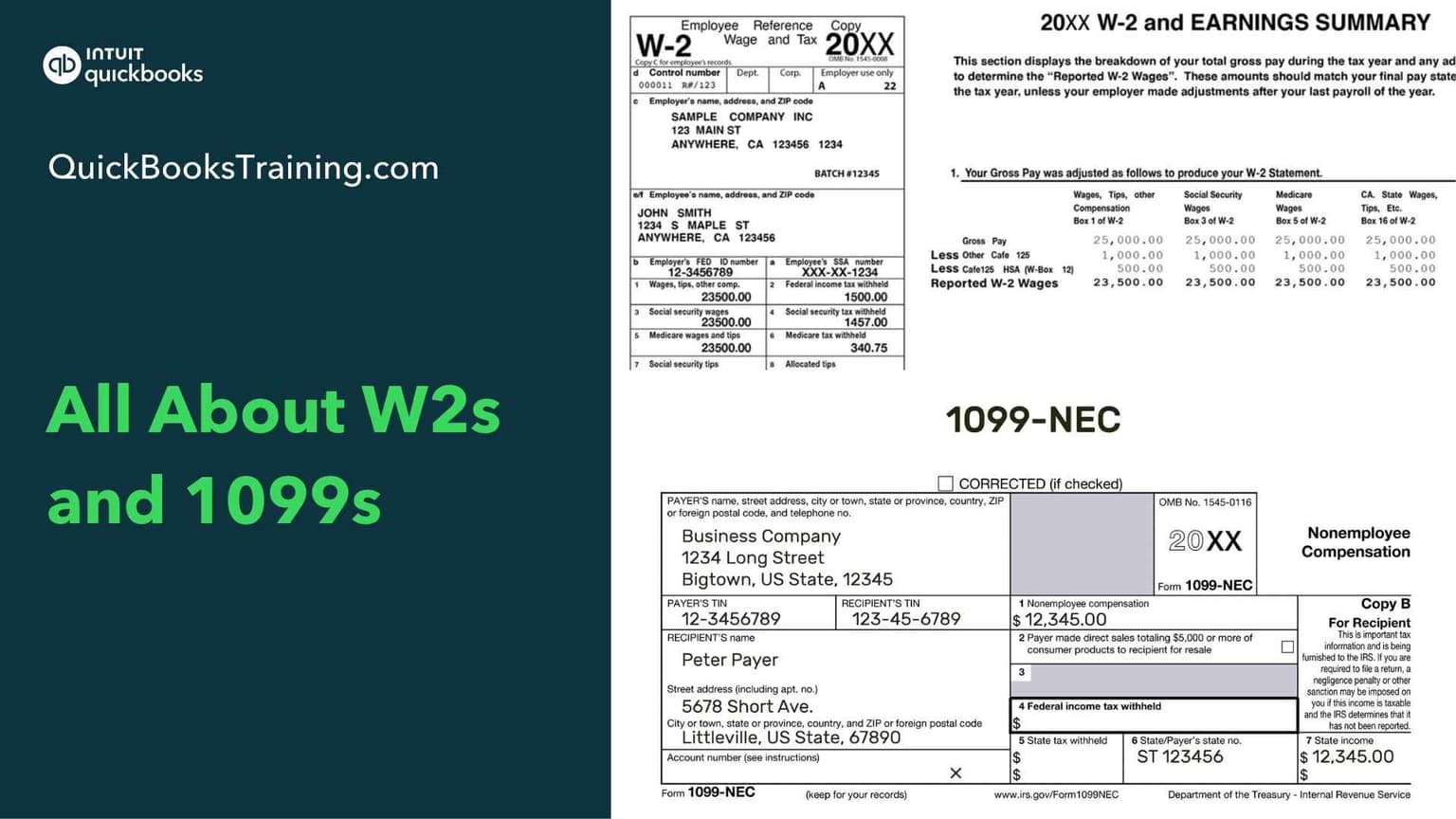
Payroll forms like W-2s and W-3s mostly build themselves, either from the payroll you run in QuickBooks, or from your payroll provider. Contractor forms don't. QuickBooks can only produce a 1099 for a vendor you marked for tracking, which means the list it produces is only as good as the vendors you mark and the payments you record. Two things narrow your list further: what a payment was for, and how much you paid. Contractor labor, rent, and legal fees are all reportable, but they go in different boxes and sometimes different forms. Non-employee compensation is reportable at $600 for tax year 2025 and at $2,000 for tax year 2026. Most years, these forms are due January 31. Check the current deadline, because this is the one part of year end you can't push.
6. Set a closing date
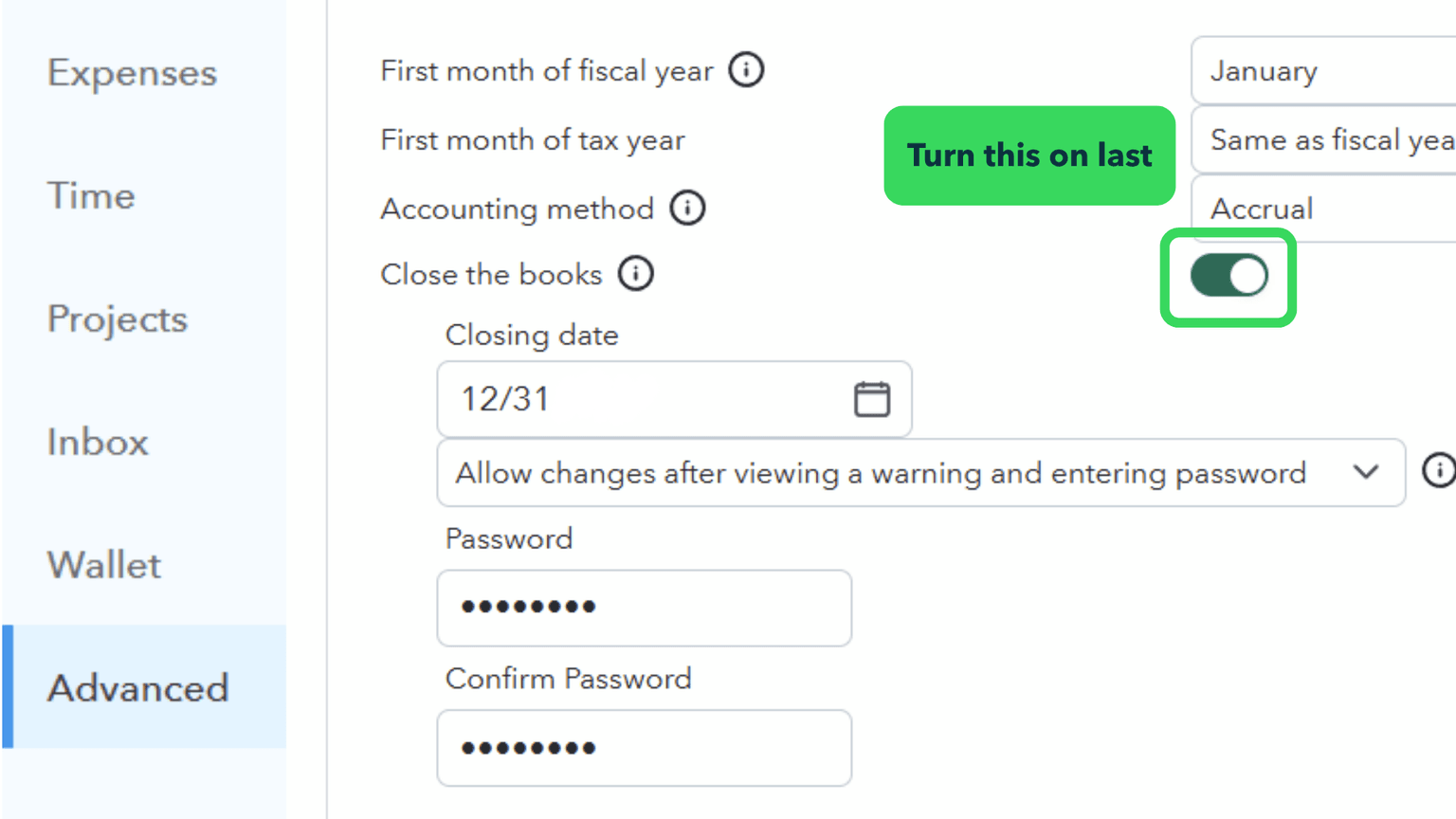
A closing date is not a journal entry. It's a decision about who is allowed to change history. Once you file a return, those numbers belong to someone other than you, and a closing date and password helps you ensure that editing them is a deliberate choice instead of a keyboard flub.
7. Optional: reset the equity accounts
Open a balance sheet after a few years of operation and the owner's draw account may show one number that's grown each year since the file was created. That's QuickBooks working as designed: it rolls net income into retained earnings automatically, and leaves other equity accounts alone. If you'd rather see what an owner took in a given year, make an entry to move the draw into retained earnings at the start of each new year. It's one entry, and it's a reporting preference, not a correction.
Up to this point, you verified and corrected individual records. What's left is to ask whether the file as a whole describes the year the business actually had. Run the profit and loss statement and balance sheet against the prior year and look for movement you can't account for. While you may find mistakes you need to correct, some of what turns up will be oddities like a customer balance sitting at zero still appearing on the aging report, a negative balance where you weren't expecting one, or a contractor missing from the 1099 list. These often have quick fixes or clear explanations.
What an odd balance can mean
| What you see | Usual cause |
|---|---|
| A customer or vendor at zero, still on the aging report | A payment, credit, or journal entry exists, but was never applied to the transaction |
| A customer balance nobody expects to collect | An uncollectible invoice that needs a credit memo to bad debt, not a deletion |
| A negative customer or vendor balance | An overpayment, an unapplied credit, or a payment recorded for the wrong amount |
| A contractor missing from the 1099 list | Payments totaling under the reporting threshold, payments made by credit card, a contractor set up as a corporation, or an account never marked for 1099 tracking |
Hand the file over
When you can account for every change, the year is ready to hand over. The easiest way to do this is inviting your accountant to view your QuickBooks file. Faster than exporting anything; it replaces the old routine of mailing a pile of printouts. Once they are in, they can see the numbers, do the work they need to do, and exchange messages and information requests with you inside the file. If you take an active role alongside them during the year, this is an arrangement that makes year end short.
Backed by Intuit since 1998. Every article on this blog is written by the same certified instructors who teach our live classes and self-paced courses.
The right next step
Year end is a good opportunity to clean up your books, but it's also when mistakes get locked behind a filed return. It's a bad time to be learning the sequence for the first time. If you want the whole run from reconciliation, the cleanup that follows, inventory counts, depreciation entries, contractor forms, and setting a closing date, worked through on a real file with exercises and an instructor you can ask questions to, our guided course covers it before the deadlines arrive.
Learn QuickBooks the right way
50+ self-paced courses, live classes every weekday, and certification prep.
Explore more training on Bookkeeping & Accounting
Courses and videos from QuickBooksTraining.com


QuickBooks Instructor
“Whether you’re really good or just beginning, you will be cleaning up your books on an ongoing basis. That is part of our reality.”